[About] [Tab 29]
The About display provides detailed information about selected elements of your show file.
About can be opened in a standalone tab from the Workspace Layout Menu, by using [Tab] [2][9], or by using [About][About].
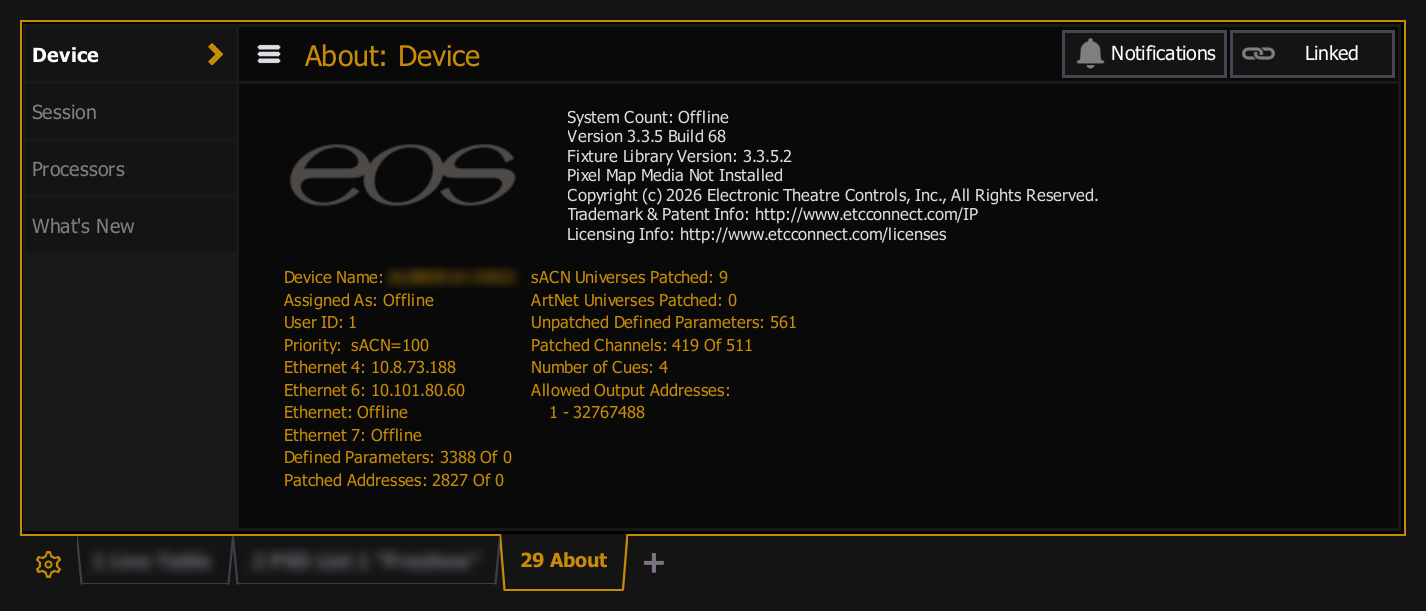
Pressing [About] opens About in the Central Information Area (CIA) below the The Command Line. In this mode, About will live update as show file elements are selected or changed, allowing you to examine information indefinitely while About remains open.
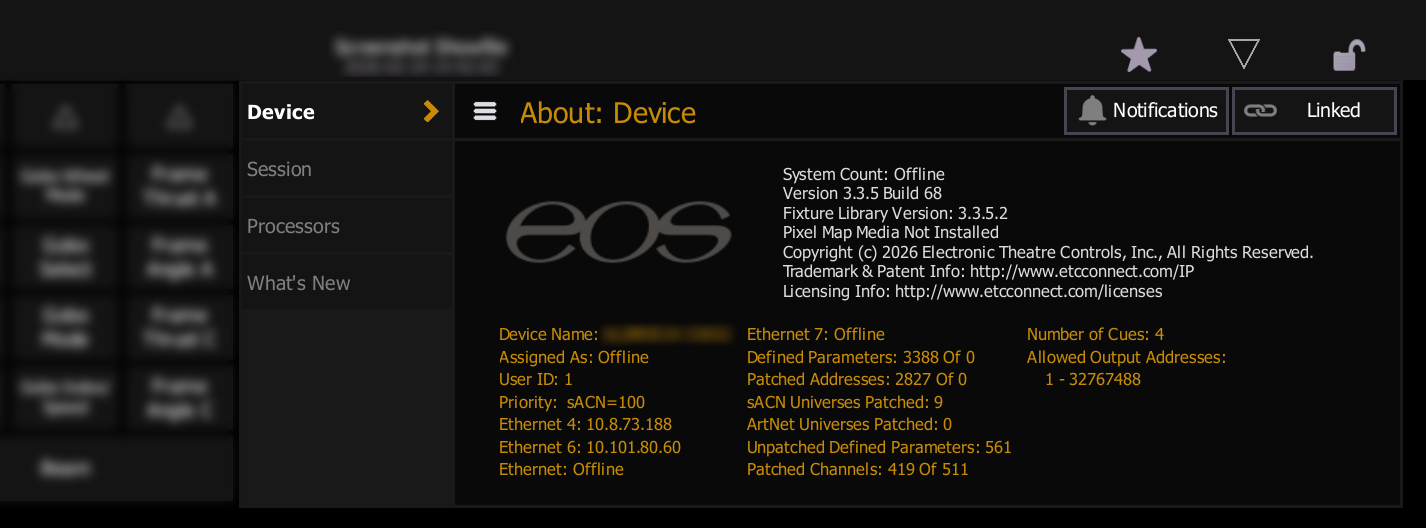
[About] and Display Toggles can be used to display additional information in Live and Blind.
About Tabs
The information in an About display is divided into tabs, which change based on the current Command Line selection.
About tabs can be hidden and shown at any time using the menu button in the top left of the display.
Default Tabs
When nothing is selected, About shows the following four tabs.
{Device}
This default display shows the following information:
- System Count - the number of available outputs.
- Software Version
- Fixture Library Version
- Pixel Map Media Installation
- Copyright Information
- Device Name
- Assigned As: Primary / Backup / Client / Offline - see Eos Device Roles.
- User ID
- Priority (sACN)
- Not available on Element Classic.
- IP Address(es)
- Defined Parameters - the number of parameters that have been defined in Patch [Tab 12], regardless of the output address patch.
- Patched Addresses - the number of addresses that have been used in Patch, which counts toward the available outputs.
- sACN Universes Patched
- ArtNet Universes Patched
- System Count - the number of available outputs.
- Unpatched Defined Parameters - defined parameters must be displayed and calculated in the fade engine, even when unpatched. If you are running a large show, it is helpful to locate unpatched information for deletion with [Query] {Unpatched}.
- Pixel Mapping Addresses
- Patched Channels
- Number of Cues - includes all cues from all cue lists. Multipart Cues are only counted once.
- Allowed Output Addresses - see Allowed Outputs.
{Session}
This tab provides a list of all devices detected in the network. The following information is available:
- Device Type - this can include other Eos Family devices, show control gateways, apps, and other sACN devices.
- Name/Component - the name of the device or software.
- Status - whether the device is currently online or offline.
- Connected - whether the device is connected to any active Multi-Console Sessions.
- Address - IP Addresses of the detected devices. Offline devices will display 0.0.0.0.
{Processors}
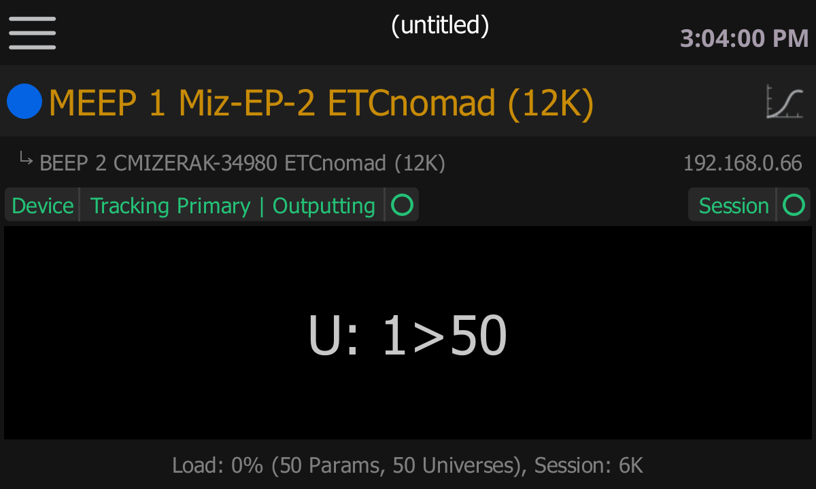
This tab provides access to the Expansion Processing User Interface for an overview of any connected devices providing Eos Expansion Processing for the session.
What's New
This tab provides links to Eos [Home] and a button to open the Manual [Tab 100].
Contextual Tabs
When targets are selected, About shows tabs of information relevant to the selection.
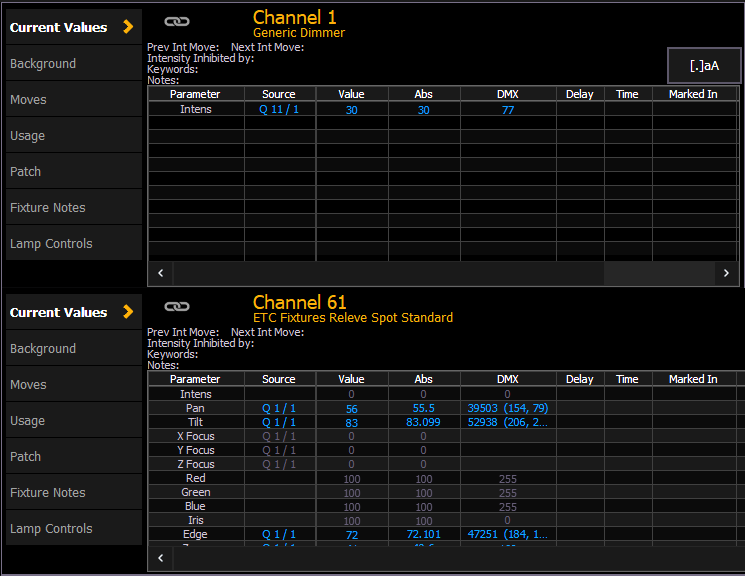
For details on the information shown when a particular target is selected, see the individual target topics in this chapter.
Selecting a range of targets will display any common information shared between them.
About Options
The following About options are also available.
{Notifications}
Opens the Setup > Console Status display where you can view informational, advisory, or warning messages about your device.
{Notifications} is only available from the default About display when nothing is selected.
{Font Size}
Toggles the text size between small (default), medium, and large.
{Font Size} is only available when About is displaying information about a selected target.
Links
Toggles a link between this instance of About and the Command Line. When About is {Linked}, the display will update with the target selection. When About is {Unlinked}, the display will continue showing the information currently being displayed, even if the target selection changes. About displays are {Linked} by default.
If the selection is changed before About is set to {Linked}, the display will not live update until the next selection.
- You want information about Channel 1. About is open, showing information about Preset 3.
- You select Channel 1 but About doesn't change. You notice the display is set to {Unlinked}.
- You toggle the display to {Linked} but About still shows information about Preset 3.
- You must reselect Channel 1 to update the About display. The display will follow all subsequent selections until closed or toggled back to {Unlinked}.